Go from blank sheet to system architecture.
Phosphor helps electronics teams work from requirements, datasheets, previous projects, and constraints toward concrete architecture decisions and tradeoffs.
Phosphor is an AI agent that understands your design files, datasheets, and parts, helping you make decisions faster, catch issues before the next board spin, and bring up boards with less guesswork.
Phosphor helps electronics teams work from requirements, datasheets, previous projects, and constraints toward concrete architecture decisions and tradeoffs.
Phosphor searches distributor data, reads datasheets, and ranks candidate parts against electrical requirements, package fit, availability, pricing, lifecycle, and board constraints.
Phosphor cross-checks the design the way an EE would: tracing signals through the schematic and PCB, comparing them to datasheets and interface standards, and surfacing places where the implementation deserves a closer look.
After the board comes back, Phosphor helps keep bring-up moving: compare expected behavior against measurements, control bench instruments for debugging, write project documentation, and help AI coding agents write firmware that matches the actual board.
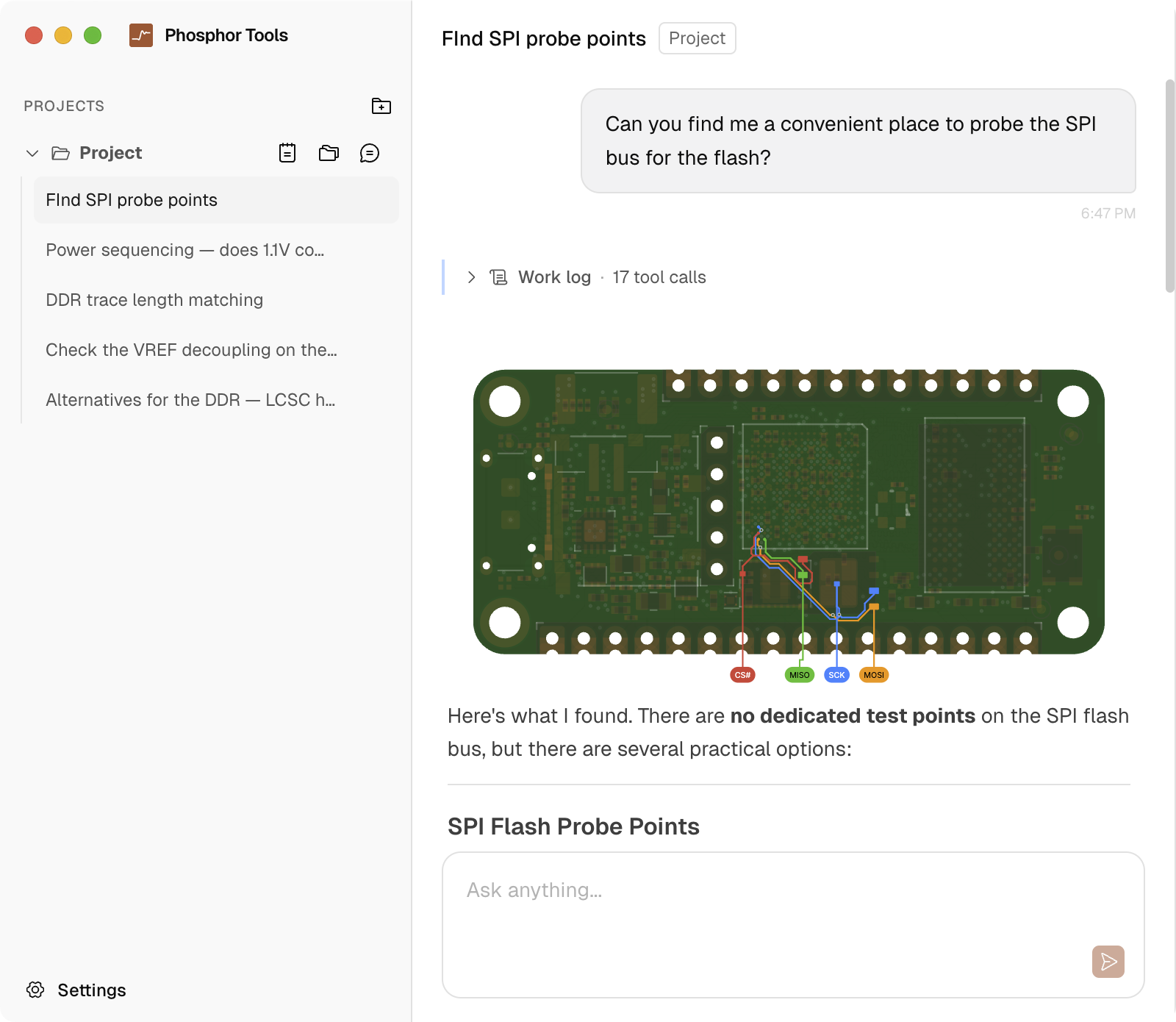
Real conversations from the Phosphor desktop app, showing work across part selection, BOM checks, interface review, bring-up planning, documentation, and bench debugging.
Want to see how Phosphor gets there? Open the preview and follow real conversations from the first question to the final answer.
See it in actionAltium, KiCad, OrCAD
Altium, KiCad, OrCAD
Search by part number, structured PDF reading with table extraction
DigiKey parametric search, stock, pricing, alternatives
Also: SPICE simulation setup, instrument control, Python scripting, schematic symbol and footprint generation (coming soon).
Phosphor's citation system requires the model to cite source data for every claim. A verification step checks that each citation is accurate. You see page numbers, specs, and references alongside every answer, so you can confirm for yourself. A built-in knowledge library grounds the model in best practices for repeatable, reliable results.
 Phosphor
The LM3940 can deliver up to 1A of output current[1] with a dropout voltage of typically 0.5V at full load[2].
[1] LM3940 datasheet, p.1: "1A Low Dropout Regulator"
[2] LM3940 datasheet, p.3, Table 1: Electrical Characteristics
Phosphor runs on your desktop. Your files are never uploaded to our servers. Design data sent to the LLM provider is not stored or used for training. Enterprise teams can bring their own API keys, route through their own LLM gateway, and self-host the document processing pipeline.